Bypassing GPS while driving

PearlWhite4R

New member
Is there anyway to bypass the gps while im driving? Even if I switch over to Audio, it will go back to the gps map shortly after. Help is appreciated.
 
Register to hide this ad
Can you elaborate on that? I cant find it. Can you just walk me through?

Press The "Setup" button on the side of the screen.

Press the "general" button on the screen.

Set "Auto Screen Change" to off.

Now it'll stay on whatever screen you select, i.e. radio selections. And no, it's not intuitive, nor actually obvious what this does.
 
Per the Navigation manual. Section 8 pg 208 ...

1. Push "Setup" button
2. Touch "General"
3. Touch "Auto Screen Change"
4. Change to "Off"
 
Last edited:
Somebody didn't run home and read their manual cover to cover after buying the new rig...
:nerd:

The navigation manual is HUGE, so I can see why. However, this is one setting I actually don't mind, as I like to see the GPS in motion personally.
 
Somebody didn't run home and read their manual cover to cover after buying the new rig...
:nerd:

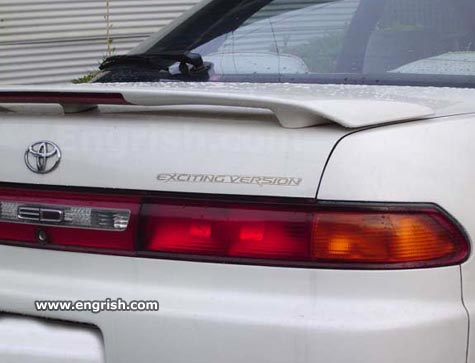
Since the Engrish in the manual makes it so bleedin' obvious too, of course!

exciting-version.jpg


(from http://www.engrish.com/category/transportation/page/4/)
 
Last edited:
I'm just teasing the OP, though I did stay up late into the night with a reading light while my wife was asleep so I could read the whole thing.
 
Now, did you read the manual in bed or in the truck? I locked myself in the bathroom with mine and wished I was in the truck so I can "apply" my new found knowledge immediately.
 
Per the Navigation manual. Section 8 pg 208 ...

1. Push "Setup" button
2. Touch "General"
3. Touch "Auto Screen Change"
4. Change to "Off"

I've been looking for that very same info. I like reading novels, but that Nav manual, uggh! Thanks...:cheers:
 

Members online

Forum statistics

Threads
278,306
Messages
3,554,045
Members
248,016
Latest member
Advally Service

Trending content

Back
Top