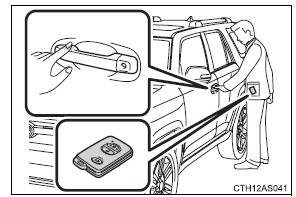
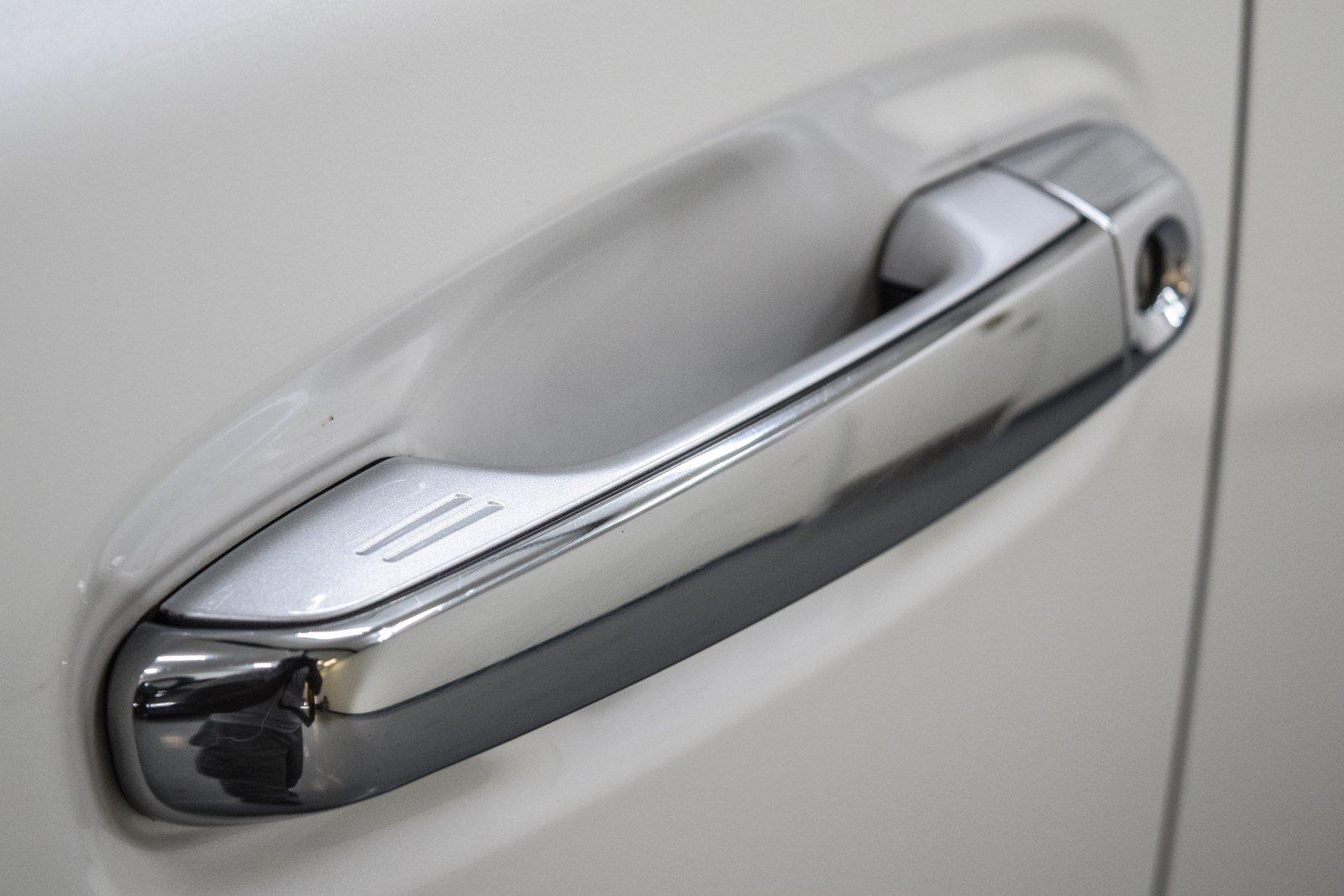
hard to see but its on the right of the door handle and you'll see the " = ". All you gotta do is touch it. Make sure any part of your hand isnt touching the inside of the door handle because that unlocks it. Soemtimes it'll cancel it or not lock at all.
Touch it rough, soft, pinky, index finger, thumb, middle finger.. whatever you wanna touch with.
I am still mildly amused that my mom uses the "secret" touch point on the door handles to lock the doors.
IIRC all the newer Toyotas are set to something like a 60-90sec auto-lock timer for the doors from the factory? I changed my 4th gen's to the longest interval out of preference, but I don't really think about the doors locking (I don't really live in a place where someone is going to run up to the vehicle in between the time I close the door and walk away and it auto-locks) anymore. Though I am still in the habit of hitting the lock button twice to turn the headlights off (I honestly don't know why... given that they'll also turn off automatically...)
But yes, you have the touch pad on the driver's side and passenger's side door handles to lock the doors without needing to use the keyfob.
and a view of the striations everyone is talking about: