HELP!!! (Posting Pics_

willx45x

New member
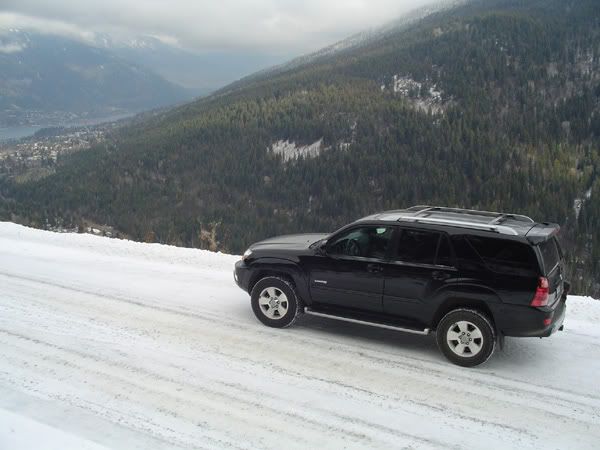
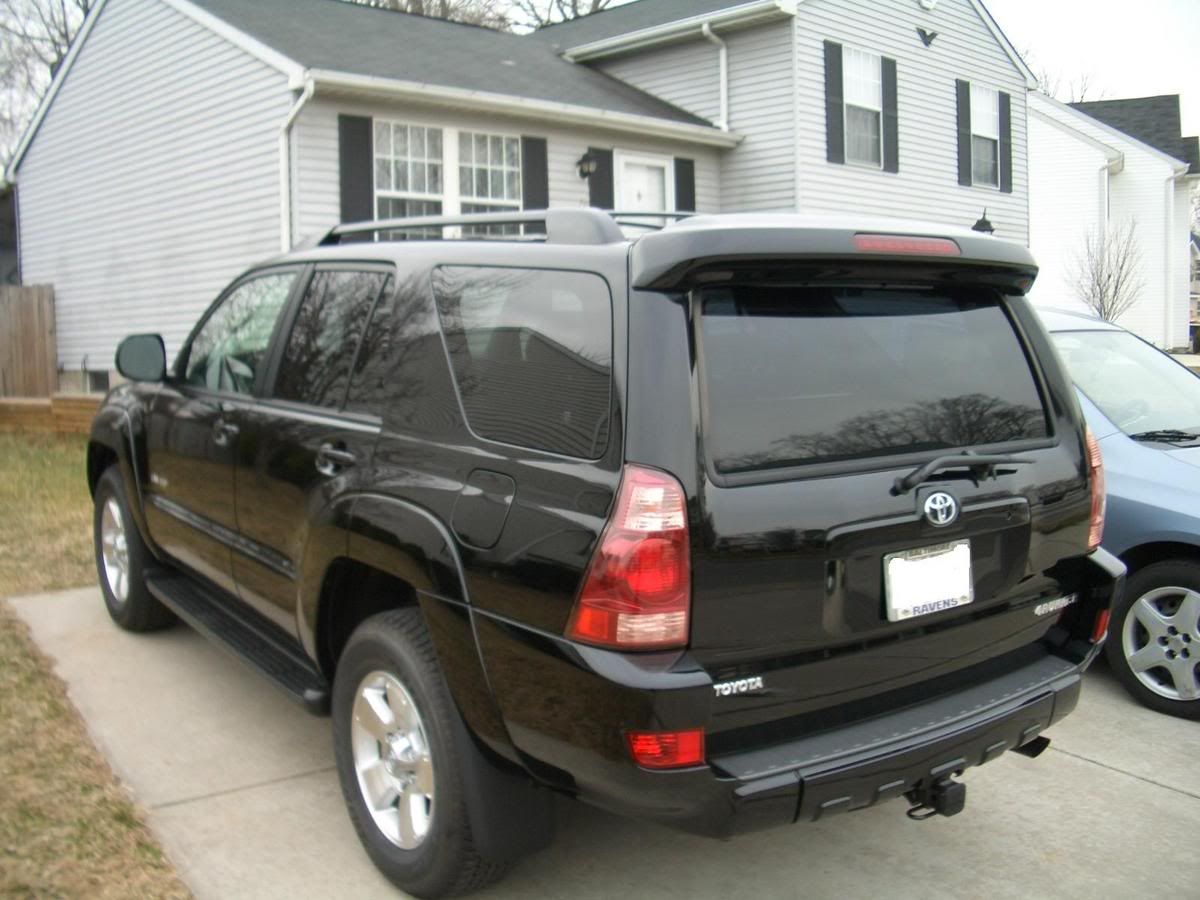
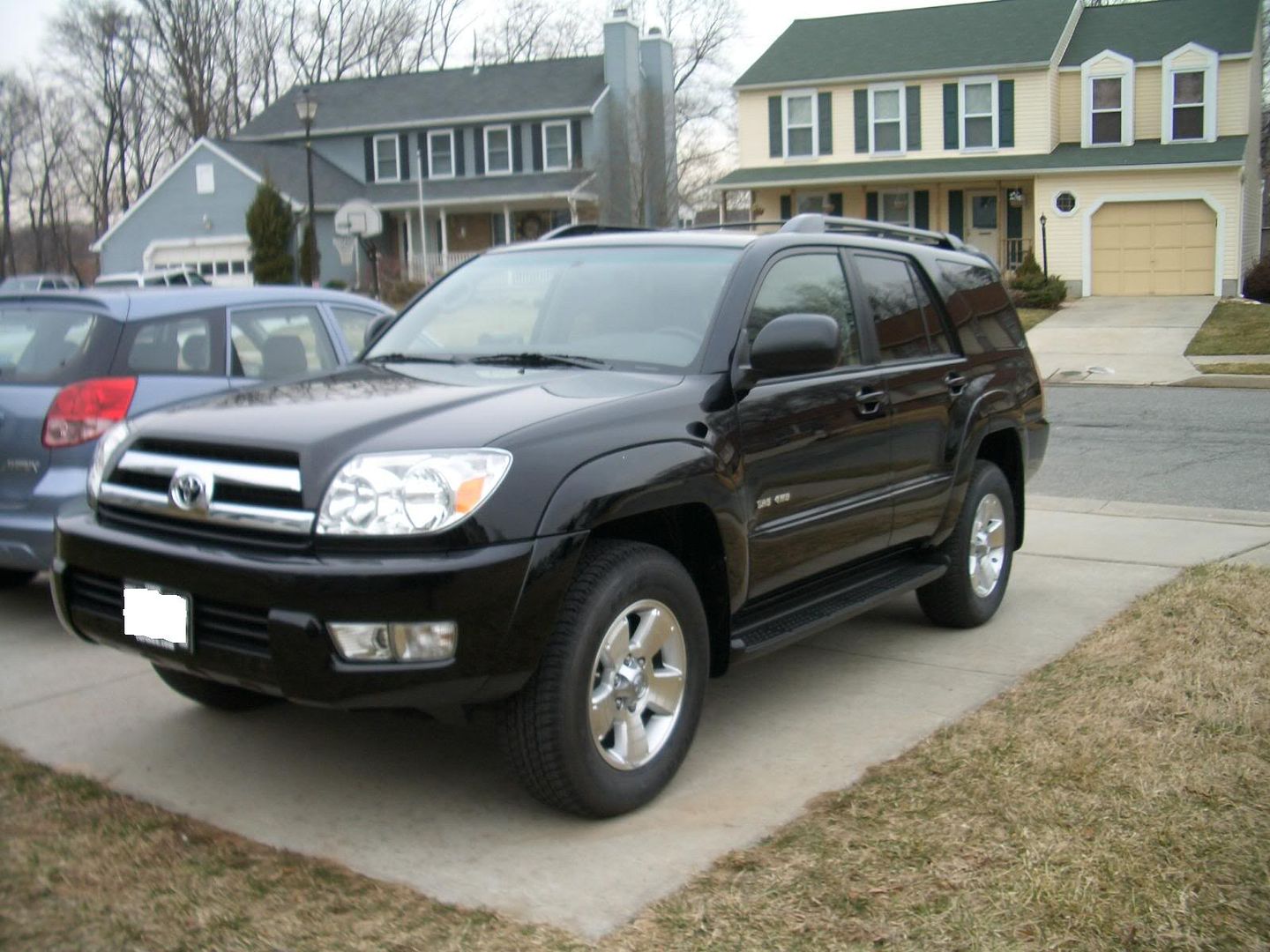
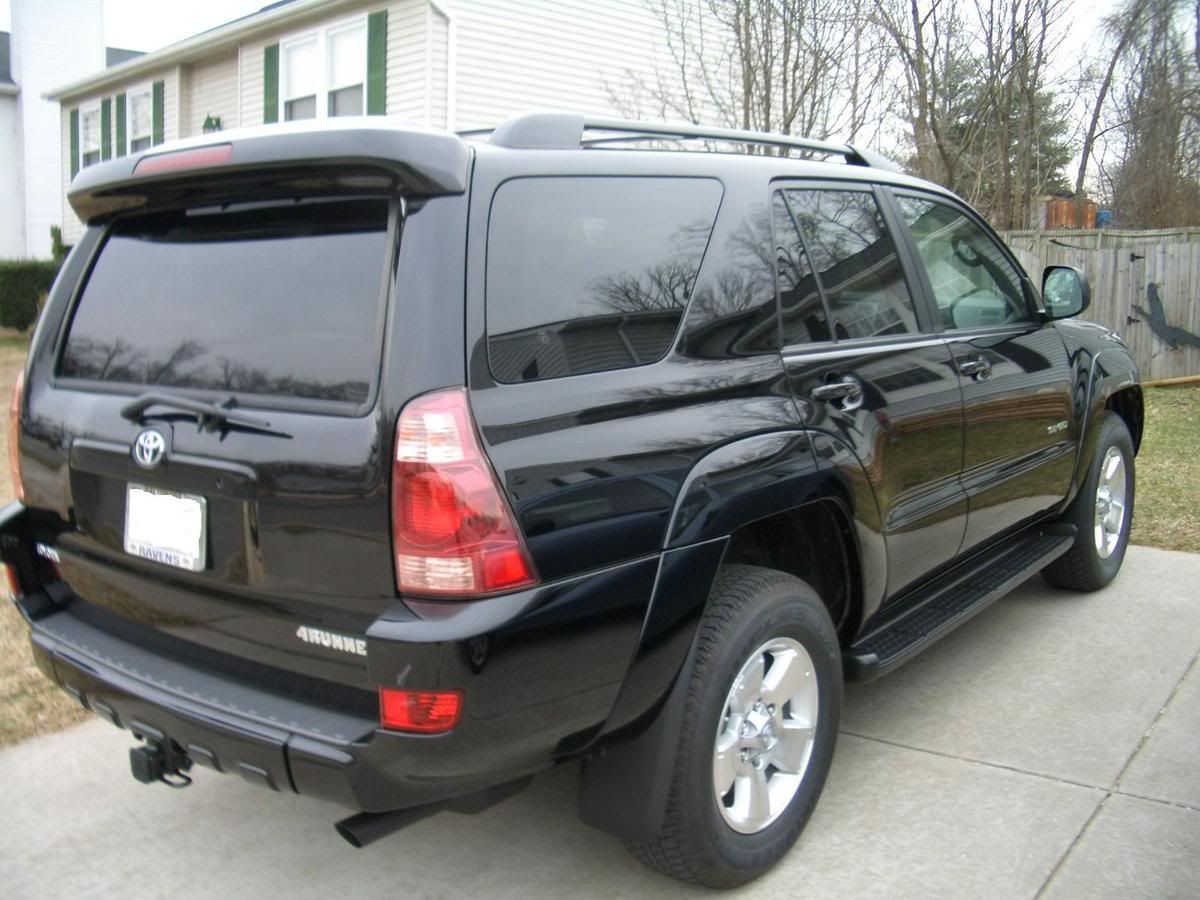
I have pics of my new 2005 'runner that I want to post. They are in JPEG format. However, I suppose the settings were too high on my digital camera when I took the pics, because they are apparently too large to upload. By too large, I mean the file is too large. How do I compress them?

Can anyone help?
 
Register to hide this ad
Go to your Paint program in windows (Start Menu --> Programs --> Accessories --> Paint) and open the picture. Go to Image --> Stretch/Skew menu (or press Ctrl+W)and change the vertical and horizontal size to 50% (or whatever size looks right), and save it under a different name so you don't lose the original full size picture.
 
Last edited:
slowginjoe said:
it looks like in this forum you can only attach 1 pic per post. so post away! :)

... but I don't want to be a post hog ;)
I've seen earlier posts with multiple pics, so how they do that???
 
i think those were probably done by inserting them 'inline' with html or perhaps it was one long picture that contained several pictures chained together? i use the latter trick on ebay since they only allow one free picture.
 
okay, for example in goodtimes post right here:

http://www.toyota-4runner.org/showthread.php?s=&threadid=9047

if you right click on each picture and select 'properties', you'll see that the pictures are hosted elsewhere (they can be hosted anywhere, including this forum, as long as you can link to them), meaning not uploaded through this forum, and then he showed the pictures in-line by using html code such as something like this:

IMG SRC=ImageName

The ImageName is the url of the picture you want to show and put these brackets < > around the whole thing.

here's an example of multiple images i took from another thread:

<IMG SRC=http://www.s2katlanta.com/Gallery/albums/userpics/10013/wreck016.jpg>

<IMG SRC=http://www.s2katlanta.com/Gallery/albums/userpics/10013/wreck030.jpg>

<IMG SRC=http://www.s2katlanta.com/Gallery/albums/userpics/10013/wreck041.jpg>
 
I host all of mine online first, rather than uploading them here one at a time.

Go register on www.photobucket.com (It's all free) and you can just upload the pics to that site, and then link them here using the image tags:

http://img.photobucket.com/albums/v225/jaynelson/2.jpg <---this

Goes between these --->


To make this:


2.jpg~original
 
Last edited:
I am just going to attach this info at the end of this sticky thread. If you have a Mac (search Apple) then to post an avatar and photos do the following.

Avatar: Maximum size is approx. 13,000. Open iPhoto. Select photo. Go to File. Select Export. It is automatically set to 3:2 ratio. If the photo is landscape then 140 goes in the width box. The height box will automatically size to the correct ratio. If the photo is potrait then enter the 140 in the height box. The width box will adjust accordingly. Save to desktop so you can find it. Click on the file on the desktop and hit File then Get Info to double check the file size. If too large then use a lower number than 140. Go to t4r.org homepage and go to User CP and choose Edit Options. Go to bottom and select Change Avatar. Locate saved photo on desktop and your Avatar is set.

Photos: Maximum size is 140,000. Easiest way is to follow the above Avatar example except instead of using 140 use 750. Again the other box will adjust accordingly. Also, double check file size. Adjust 750 down if the file is too large. Attach photo at end of Post Reply.

That is it. No aftermarket photoshop software, etc. necessary. Just iPhoto. Hope this helps.
 
Last edited:
ARGH! What is the deal? It won't let me change my avatar. I've tried resizing it with photoshop many many times, making the pic smaller and smaller and still it tells me the pic is too big. I took the above poster's advice, because I do have a mac, and it still didn't work. It is a photoshopped file, could that have something to do with it? What do I have to do? Sorry to bring an old thread back from the dead...
 
I think I know what you are doing. The size of the avatar photo is not 140,000. This number is the size of the full photo in the body of the thread. The avatar photo is only approx. 13,000.

I sized the Avatar to 140 x 93. I just kept guessing until I found a ratio that worked. However, you may have to adjust the 140 up or down depending upon file size.

I can't help you with photoshop but the file size for the avatar must be approx. 13,000.

Hope this helps. If not, search "photoshop" and see if another member has been able to do it.

Good luck. BTW, if you do find out how to do it please add it to this thread. Thanks.
 
Last edited:

Members online

Forum statistics

Threads
278,304
Messages
3,554,041
Members
248,016
Latest member
Advally Service

Trending content

Back
Top