You are using an out of date browser. It may not display this or other websites correctly.
You should upgrade or use an alternative browser.
You should upgrade or use an alternative browser.
Posting Pics
- Thread starter sbbamafan
- Start date
Register to hide this ad

mjweber96
New member
set up an account at photobucket and upload your images there. Then you can select whatever pictures that you want, but I believe the file size can not be too large to post in your message here. If your files are too big go herehttp://www.irfanview.com/ and download this to shrink your image size. Both are free downloads. Once they are in photobucket select the pics and press the generate html tag, then just copy and paste back into your message.


Doubledown
New member
Photos
This may come as a stupid question to some of you. But I'm not having any luck. The forum says the process could take several minutes but 2 hours seems kind of long (and I couldn't get the photos to post).
I have some photos that are little outdated but am having some problems posting them on the site. Do you guys have some suggestions on how some of you got a photo next to your name and in a gallery. Thanks for you help.
This may come as a stupid question to some of you. But I'm not having any luck. The forum says the process could take several minutes but 2 hours seems kind of long (and I couldn't get the photos to post).
I have some photos that are little outdated but am having some problems posting them on the site. Do you guys have some suggestions on how some of you got a photo next to your name and in a gallery. Thanks for you help.
Doubledown
New member
Nevermind
Duh, I just saw someone asked the exaxt same question on the previous thread.
Duh, I just saw someone asked the exaxt same question on the previous thread.
Doubledown
New member
Koz, does that mean you have to enter your photo link everytime you reply or can you set one up to generate each time automatically? Thanks.
I just tried the the attachment you mentioned for this reply and I couldn't get a reply posted. From PhotoBucket I tried the URL, the TAG, and the IMG and none of them would let SUBMIT. I checked file size and my photo says 43K. So I don't know what else to do.
I just tried the the attachment you mentioned for this reply and I couldn't get a reply posted. From PhotoBucket I tried the URL, the TAG, and the IMG and none of them would let SUBMIT. I checked file size and my photo says 43K. So I don't know what else to do.
Doubledown
New member
I'm so frustrated with this. I've been trying to get a photo posted for almost 2 hours. I tired word for word what Mjwber96 said too. :bash:

sharp4runr
New member
In the attach file field when you respond, you have to browse to the file you are attaching. When you click submit, reply it should have it in your post. DO NOT use Preview Reply, as it doesn't work properly then.
If it still doesn't work, send it to july @ dmailman.com and I'll post it for u.
(remove spaces around the @ symbol)
If it still doesn't work, send it to july @ dmailman.com and I'll post it for u.
(remove spaces around the @ symbol)
Doubledown
New member
Hey Sharp4runr, thanks for your help. When I click on the browse button like you said, the hourglass icon comes up and it thinks for about 5 - 10 minutes and then quits without ever going anywhere.
If I send you the link for the photo to the email address you gave me, could you post it so that it comes up like your picture does under your user name to the left? I could email you my log on info too. Thanks again.
If I send you the link for the photo to the email address you gave me, could you post it so that it comes up like your picture does under your user name to the left? I could email you my log on info too. Thanks again.
Doubledown
New member
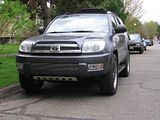
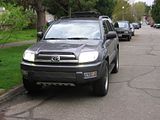
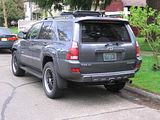
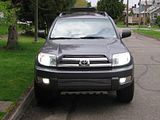
Koz, I got your message too. Thanks. I'm trying out your instructions here. ...hoping I can get this to work.
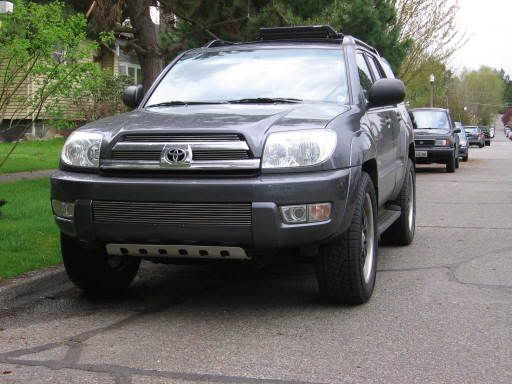
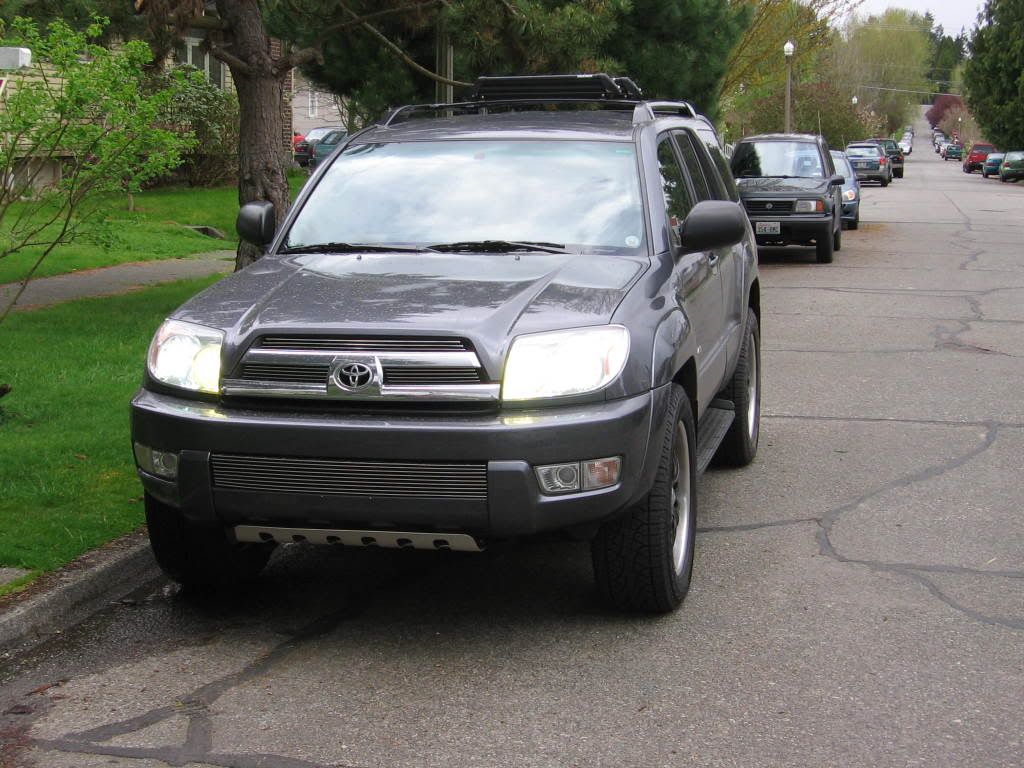
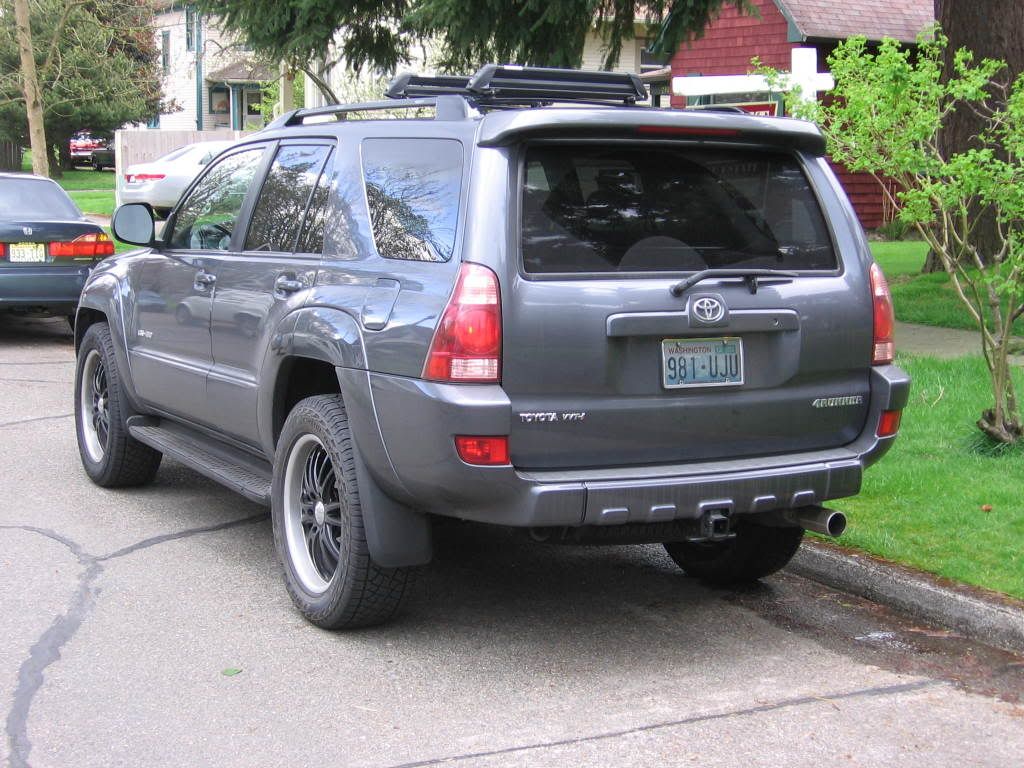
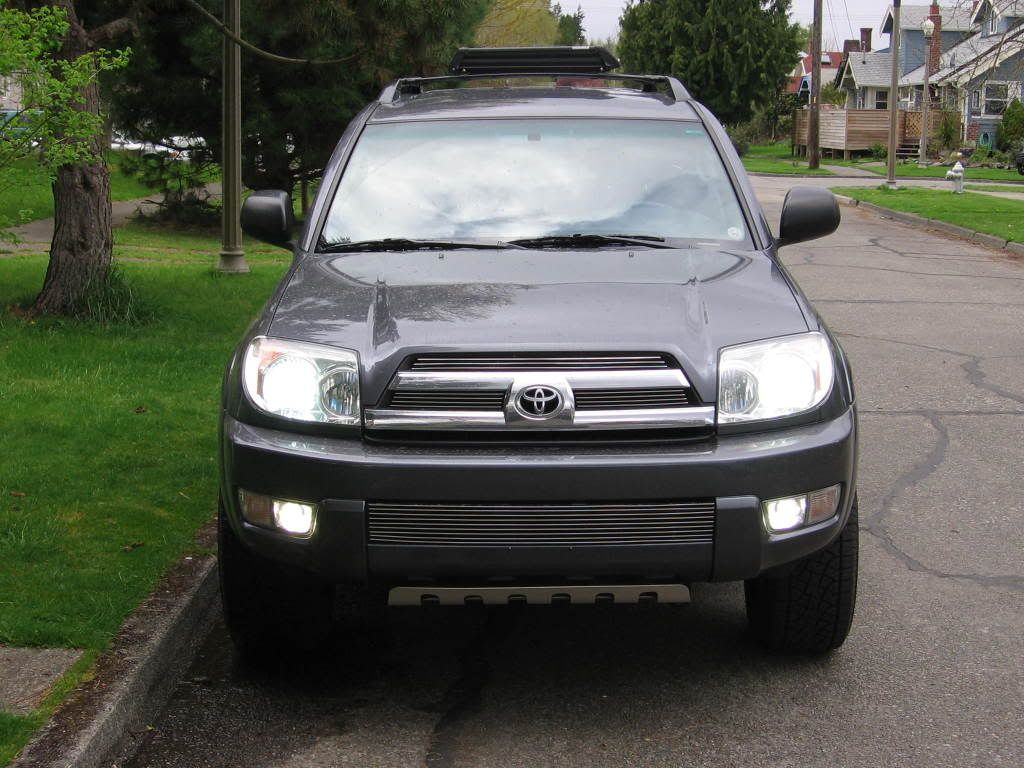
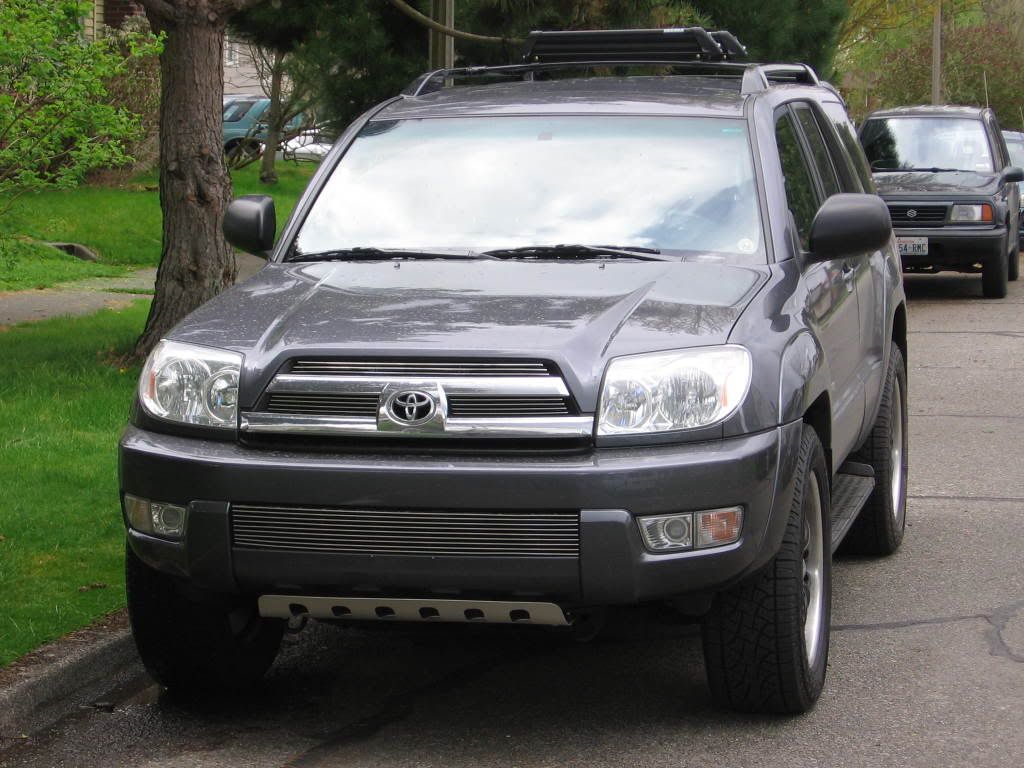
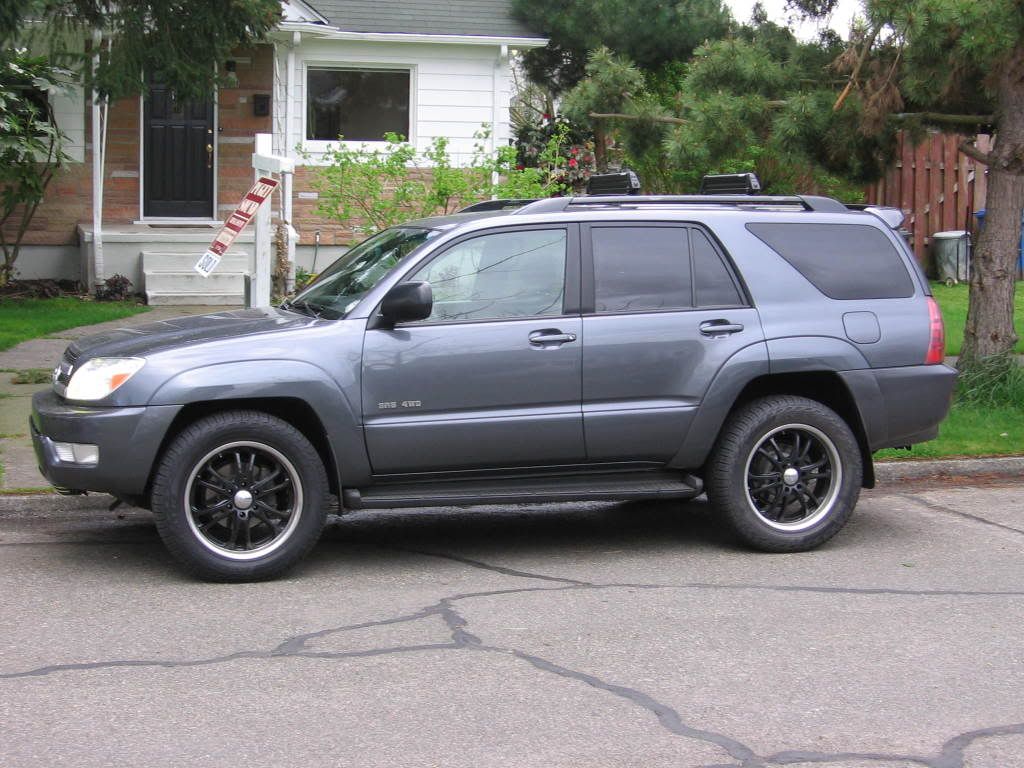

4Runnerpilot
New member
Hey Doubledown, send those instructions to a brother! Me if you could please! Thanks :biggrin2:
NeptuneBeach
New member
NeptuneBeach
New member
well shoot! I wonder why it is upside down.
Fishing Holler
New member
Thanks for this!
SoCal5thGen
New member
upload?
Is there no way to upload a picture directly from your computer? You have to use a hosting service like photo bucket? What gives?
Is there no way to upload a picture directly from your computer? You have to use a hosting service like photo bucket? What gives?