I can help with your first question, see below. Not sure about the second question. Good luck, be safe.
You already know how to post a written message, so start from there.
From the screen where you type a message, scroll lower and you will see a button, "manage attachments".
Left click on that button and a pop up will appear. At the top of the pop will be two choices, "Upload a file from your computer" and "Upload a file from a URL". If the photo you are trying to post is already on your computer, hit "Browse" . Another pop-up will appear, "normal window's browse window", find the file you want to up load, highlight it, then hit open. The file addressee will then appear below the URL input window. There is a button next to browse, "Upload". When you click that button, the photo or whatever, will upload to your pending post.
Note, if the photo you are tying to upload to the post is too large, or corrupted, or in a format not recognized by this program, it will not post. A message will appear just above the file address in the manage attachment pop up. If too large, remove the original attempt, resize your photo on your computer, then re upload small photo again. A list of acceptable file formats appears on the manage your attachment pop up, attachment "key".
If your photo is coming from an internet photo program, just type in the URL of the photo in the second box and go from there.
I would then suggest you hit the "Preview Post" button, found just next to the submit reply button just below where you type your written message. That way you can determine if your upload is there, make corrections etc. Then hit the Submit Reply button and everyone will enjoy a photo of a vehicle.


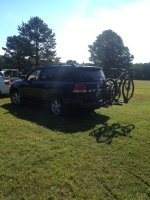

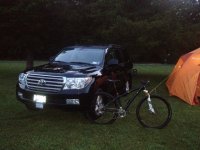
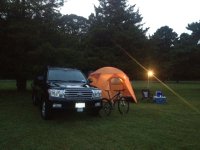
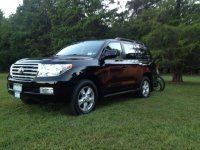


 :
:


