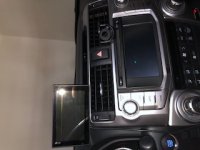
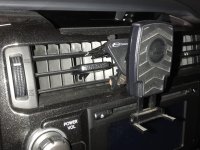
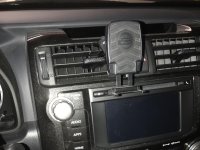
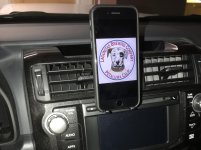
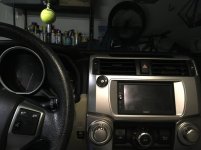
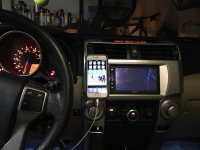
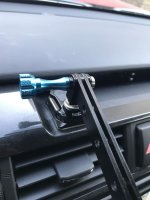
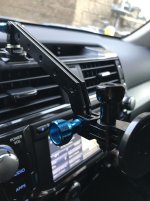
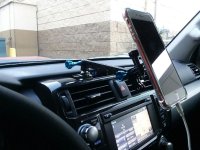
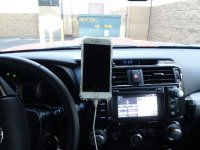
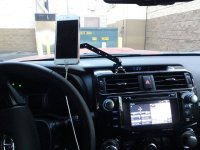
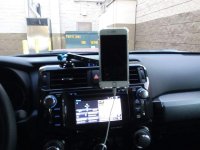
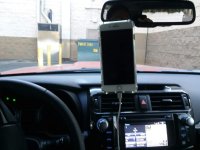
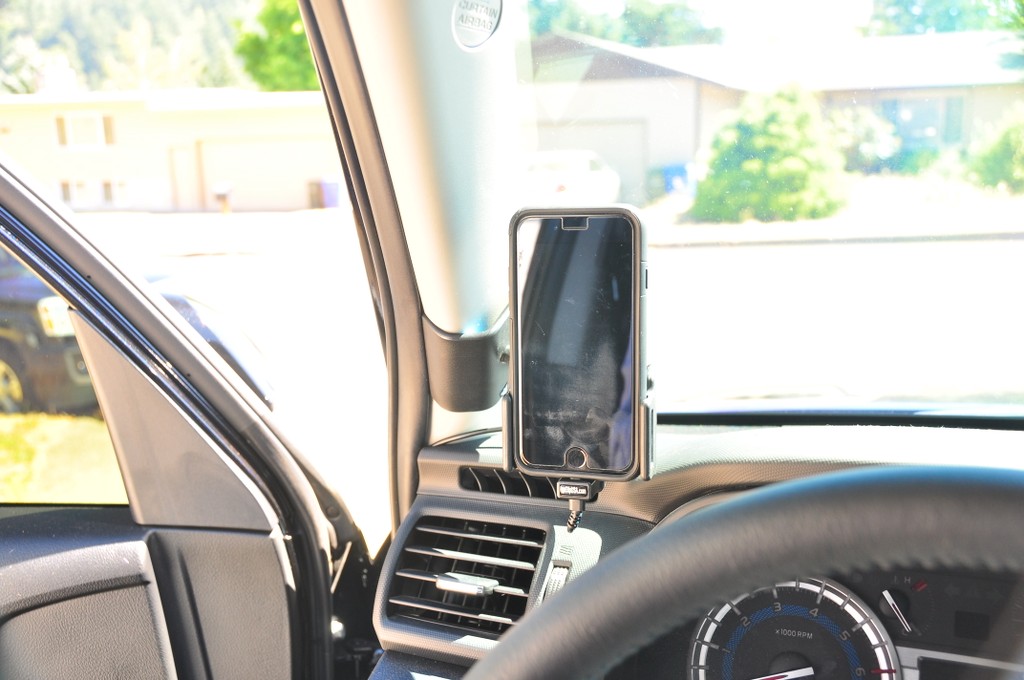
Love the install, looks very clean. As for the hardware to mount the diamond base plate, what did you use? Are those bolts with washers/nuts attached from the inside of the dash, or self-tapping screws?
Thanks!
Bolts/washers/nyloc nuts attached from the inside.
I took out the entire Nav/head unit and drilled directly through the plastic.
There are a number of step by step videos on the utubes on how to do this, as well as some awesome pictures and write ups on this forum how to do this.
Just be careful when drilling into the plastic head unit piece, as it's 1 solid uniform piece and if cracked would be a PITA to replace. I started with small pilot holes and worked up / increase in size on drill bits until I had the hole the perfect size.
On the back side of this area where you're mounting it is the levers for the air con/heating venting are located and there are some support plastic pieces for the head unit, so the placement is the holes has to be very precise. You can't go too deep on the drilling or you'll risk hitting these.
Used hex/allen key screws in black as they had some at Home Depot, they functioned and had a good color match.
Look like this:
Sorry can't remember the exact size or length. I just took the diamond mounting plate into Home Depot and pieced it all together in the screw isle one Saturday.
I used small black rubber washers on the outside to keep the screws from scratching up everything and then used nyloc nuts and washers on the back side to secure it in place.
As linked before this guy pretty much does the install to see how to remove the head unit and get access to that area:
https://www.youtube.com/watch?v=730MzCb1qfA