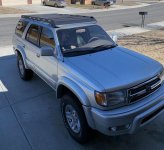
My technique on my iPhone, cause that’s where I take the photos:
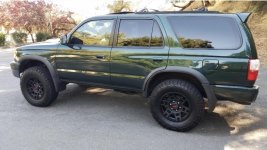
Using the phone’s built-in photo editor: crop it, put it into a 3x4 aspect ratio.
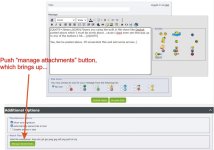
Use these forum buttons in your post:
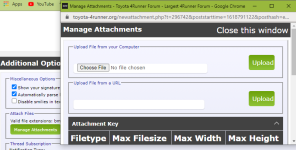
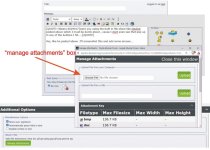
-Manage attachments
-Choose file - navigate to a photo album, select photo, choose Medium size.
-Upload
-Close the window
-Preview post and see how it looks
-Submit post
Notes:
If your photo is too big the process chokes and won’t upload. Select a smaller size.
Photos of about 400 Kb seem to work best for size and detail, but experiment and Preview before Submitting.
When you Preview and don’t like it, go back and Manage it, delete it and try again.
I hope this helps.