tackleberry1145
New member
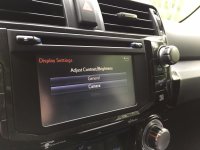
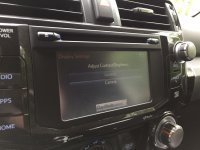
LoL...I can't believe I kept missing the day mode button while trying to figure this out! Thx!There is also a DAY Mode. On the home screen hit the gear/settings in top right corner, then display (top right of the 8 buttons), then the day mode button at the bottom center of the screen. This will prevent the unit from dimming even with headlights on. You can also adjust both day and night brightness settings from this menu.
And that also means that if you dash dims just fine and your nav screen doesn't, you need to deselect the DAY Mode button or dim your night mode settings.
Sent from my SM-T350 using Tapatalk