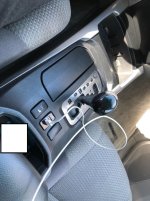
Radio Upgrades... Let see them.

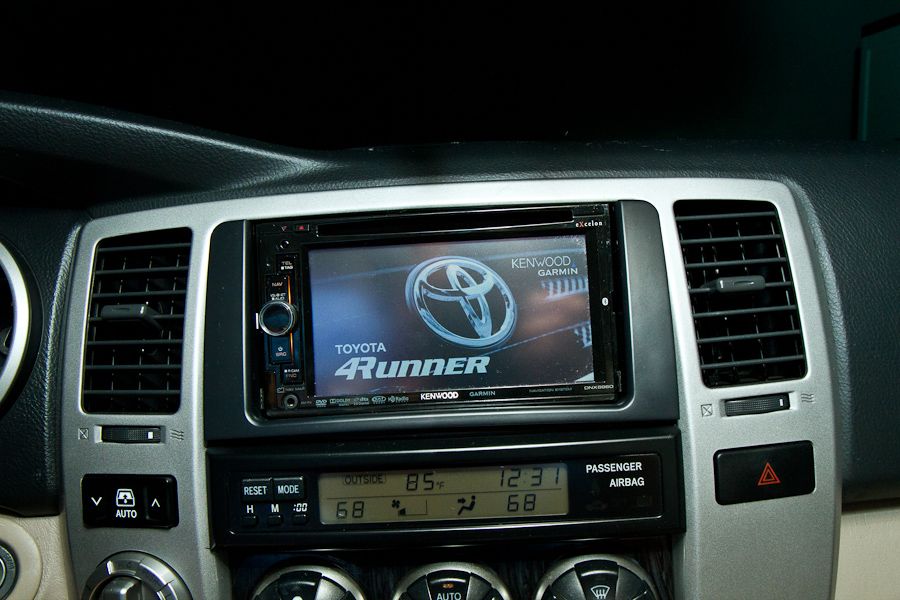
I just installed a Kenwood DDX-595 from Crutchfield with the cheaper CRUX steering wheel controls. I figure I have an ELM BT module and Torque pro on my phone. It can do anything the Maestro can and for under $20.
 

Attachments

  • 20181105_114856 (1024x768) (800x600).jpg
    20181105_114856 (1024x768) (800x600).jpg
    61.5 KB · Views: 2,501
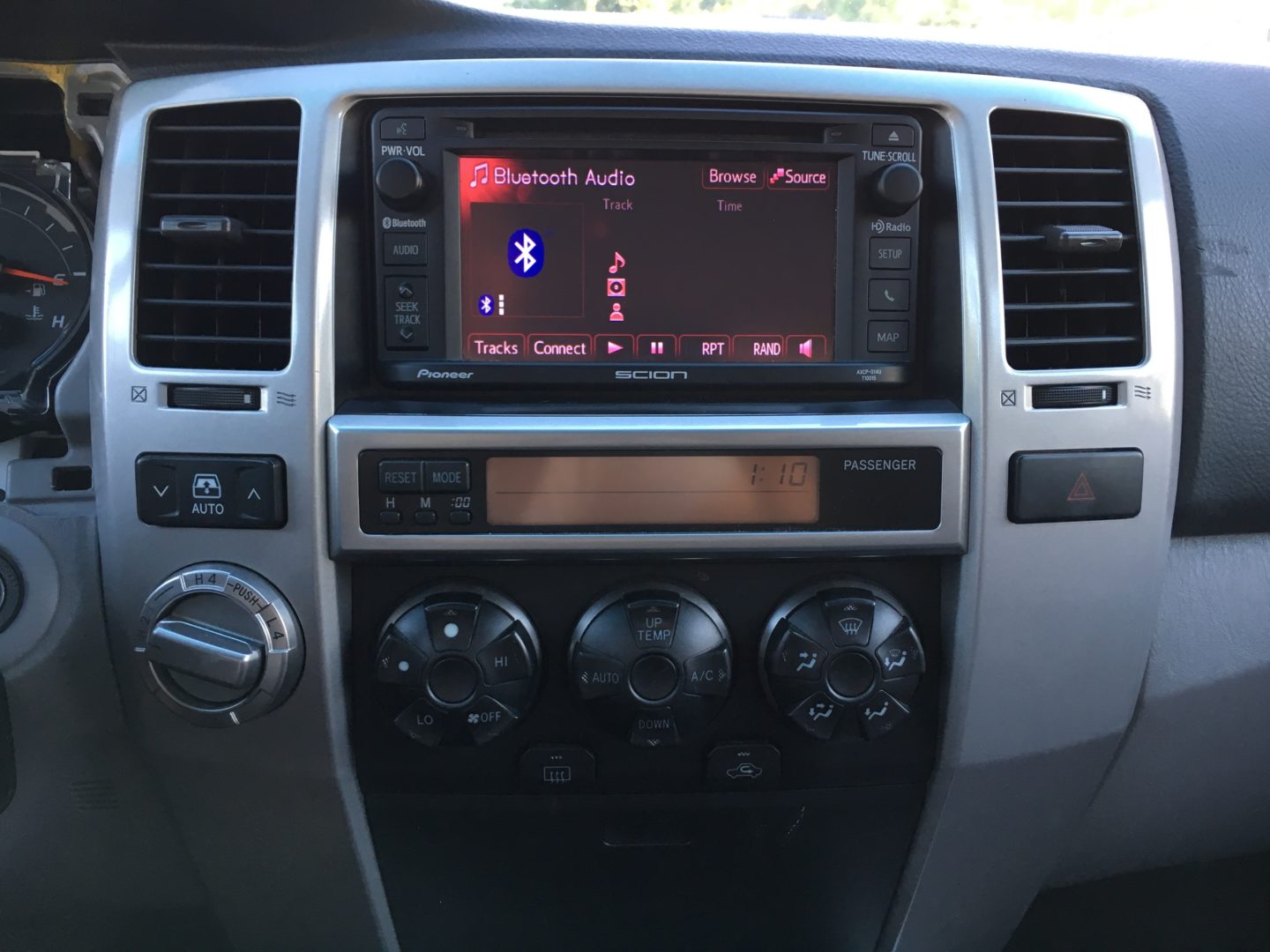
I replaced my factor unit with Pioneer 8200NEX. In order to fix the 2 into 1 antenna cable problem, I used the Y adapter. However my radio has serious static problems and fails to connect to stations I listened to with my factory unit. I've seen a mention regarding powering the amplifier but I'm unsure where this is or how to power it. Any help would be appreciated.

antenna power on aftermarket harness, wire that up to the accessory wire of the harness, usually red. dont worry about using the blue remote turn on the radio harness, if you have aftermarket amp then use that.
 
My stereo has been looking like this for the last couple of weeks or so. I can't get the MicroBypass to work. I have 2 MicroBypass switches, and neither of them seem to work. I ordered a "DiyBypass", so we'll see if that works.

I'm connecting to an older Pioneer AVH-X5600BHS.

 
What gauge wire do you guys recommend running for a reverse camera to get power? Also to run the reverse cable from the headunit to the necessary wire to get power from the reverse wire. I was thinking 20 gauge, but wanted to see what everyone else used.
 
What gauge wire do you guys recommend running for a reverse camera to get power? Also to run the reverse cable from the headunit to the necessary wire to get power from the reverse wire. I was thinking 20 gauge, but wanted to see what everyone else used.

I'd think 20 is probably sufficient. Interestingly, my camera pulls power from the reverse light. I just tapped into the driver side wire for it.
 
I went with the kenwood ddx6705s, I looked at the same head units, the sony were nice but didn't have the waze app (not a big fan of google maps)and the screen was smaller, the pioneer had the same apps as the kenwood, but I find the touch screen has a little lag to it, seems like the kenwood had a faster processor

I was thinking of the Pioneer, also. But, your post has me looking at this Kenwood now. Did you need the Maestro modules for it? Was there problems finding a dash kit for it?
 
I was thinking of the Pioneer, also. But, your post has me looking at this Kenwood now. Did you need the Maestro modules for it? Was there problems finding a dash kit for it?

Is the picture in your avatar your 4Runner? If so, you've got a 5th gen and you're asking in a 4th gen forum.

If that's the case, Scosche and Metra make kits for 2010 and up dashboards:

https://www.scosche.com/2010-toyota-4-runner-double-din-and-din-with-pocket

Metra Part # 99-8227S | Toyota 4-Runner Dash kit | Metra Online

The Metra site also lists wiring harnesses/steering wheel interfaces.
 
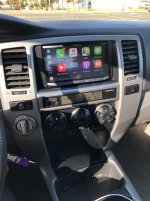
I installed a Pioneer 4100nex that I had laying around (new in box). I am a huge car audio guy... I can tell you right now, do not hesitate to add apple car play to any car you own! As of October 2018, they added support for Waze and it works flawless. I followed Provo Beast tutorial (YouTube) and everything worked on first try. I dont have steering wheel controls but I used that wire harness and just didnt connect that part. By the way this was my first stereo install ever. I also added the USB plug-in next to the DAC button as shown in the video. I am beyond pleased with the result.

If I had to do it over again (and was purchasing a new head unit) I would look into the new wireless CarPlay units. But I would still install the USB charging ports next to DAC on shift bezel. Its nice that it charges your phone while in CarPlay mode.
 

Attachments

  • IMG_6397.jpg
    IMG_6397.jpg
    108.8 KB · Views: 1,539
  • IMG_6417.jpg
    IMG_6417.jpg
    94.6 KB · Views: 1,762
  • IMG_6416.jpg
    IMG_6416.jpg
    115.7 KB · Views: 1,552
Last edited:
I installed a Pioneer 4100nex that I had laying around (new in box). I am a huge car audio guy... I can tell you right now, do not hesitate to add apple car play to any car you own! As of October 2018, they added support for Waze and it works flawless. I followed Provo Beast tutorial (YouTube) and everything worked on first try. I dont have steering wheel controls but I used that wire harness and just didnt connect that part. By the way this was my first stereo install ever. I also added the USB plug-in next to the DAC button as shown in the video. I am beyond pleased with the result.

If I had to do it over again (and was purchasing a new head unit) I would look into the new wireless CarPlay units. But I would still install the USB charging ports next to DAC on shift bezel. Its nice that it charges your phone while in CarPlay mode.


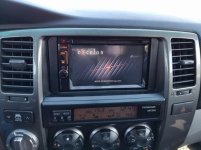
so many wires that needs to be used :whistle:
im so used to only using constant, acc and ground and remote, rest is rcas
 
What was said about Waze on CarPlay is absolutely true. I just installed an MVH-1400NEX and I’m loving it. I used the PAC RP4.2-TY11 and Metra kit. I jammed The RP on top of the left heater duct and stuck a bunch of the wires in the center channel cavity. I ran the included mic to the back of the mirror. I have plate bulb camera on it's way.

071a5fb348aa771bf15ac4c1151f4060.jpg
8e4d052d1bcb654aeef274ec762d5dc5.jpg


Sent from my iPhone using Tapatalk
 
Last edited:
Awesome! Post up some photos of how you do the install. I went with the Pioneer camera because it was only $50 on ebay. Your setup looks great. I'm considering adding that AUX port but I just can't imagine using it now.
 
Awesome! Post up some photos of how you do the install. I went with the Pioneer camera because it was only $50 on ebay. Your setup looks great. I'm considering adding that AUX port but I just can't imagine using it now.

If you have a unit that supports CarPlay, but isn’t the wireless version, you need to tether your phone through USB anyway, so why not have a clean port, rather than a cord hanging out of the front of the stereo. Even if the stereo supports wireless CarPlay, the port can still charge your phone since the streaming drains the battery quickly. No downside that I can think of,other than the extra time to run the wires and a bit of additional cost.
 
If you have a unit that supports CarPlay, but isn’t the wireless version, you need to tether your phone through USB anyway, so why not have a clean port, rather than a cord hanging out of the front of the stereo. Even if the stereo supports wireless CarPlay, the port can still charge your phone since the streaming drains the battery quickly. No downside that I can think of,other than the extra time to run the wires and a bit of additional cost.

I think he's referring to the 3.5 AUX port, not the USB port. Seems unlikely that there would be much use for the 3.5 ... nice install though.
 

Members online

Forum statistics

Threads
278,310
Messages
3,554,080
Members
248,016
Latest member
Advally Service

Trending content

Back
Top