Chadical
New member
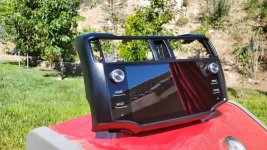
Hi all, this is my first post as I just joined this forum! I have a 2012 Silver TE. With the lack of information out there concerning the compatibility of the T9 head unit with the 2010-13 models, it seemed like a good idea to post my findings.
My TE came with the factory nav and non-JBL. I purchased the T9 head unit for the 2010-13 models with wired carplay option from this link:
Not suitable without touch screen!!!Free Shipping 9" Android 8.1 T9 4+64G Head Unit for Toyota 4Runner 2010-2013
It took about three weeks for it to arrive from China...
Also, I own an Android phone (pixel) and wanted to use Android Auto, so I can't comment on Apple Carplay compatibility. Included with what I purchased was a white phone adapter that I plugged into my stock usb adapter in my glovebox which your phone plugs in to. Unfortunately on the 2012 model the center console only has an aux port. I'll modify that later...
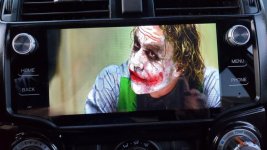
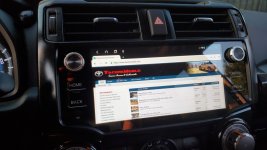
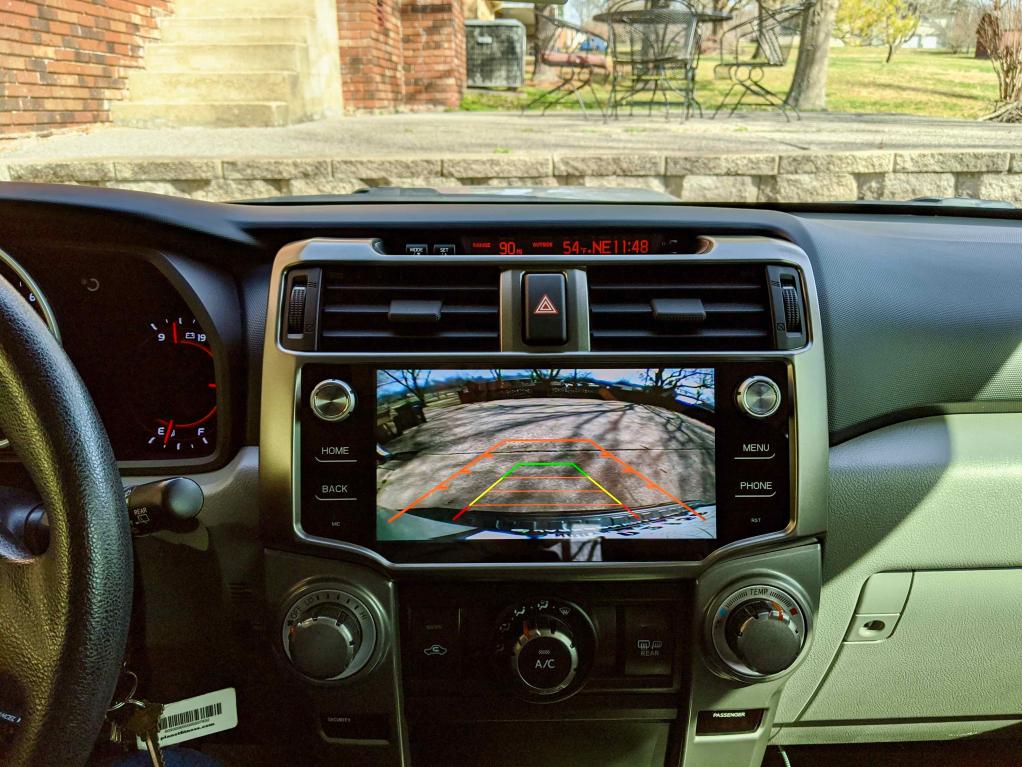
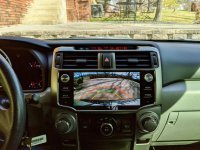
Installation of the T9 was a chore and took a full afternoon to get everything the way I wanted. The process was exactly as seen on youtube so I don't think it's necessary to go into it. I was able to get everything working including navigation, radio, wifi, bluetooth, usb connectivity to the stock adapter, steering wheel controls, on-screen climate control, on-screen doors open/closed notification, and the backup camera. The backup camera with the T9 is improved 100% in how it appears on screen. I didn't use the optional sim card connector to get an internet connection - I use my phone's hotspot and it works perfectly. Also to note, I'm not getting any of the interference noise that others have reported. The sound overall is an improvement using the eq app.
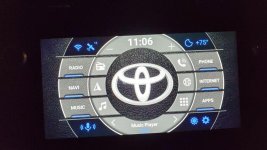
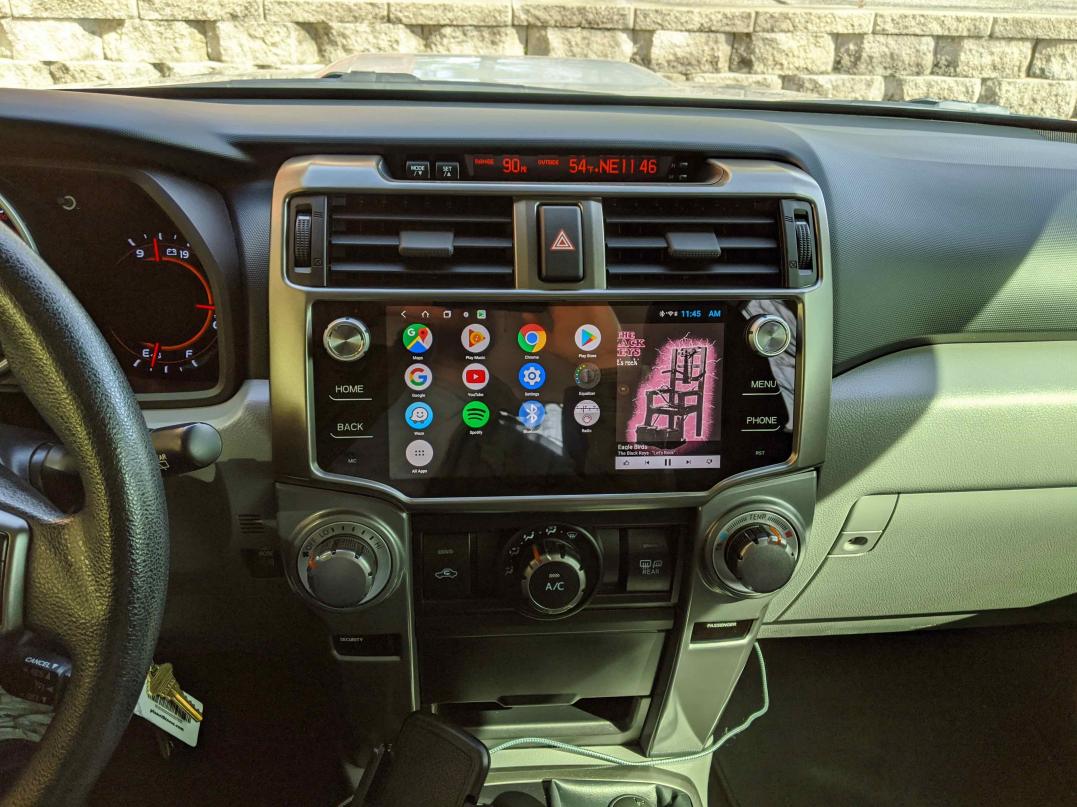
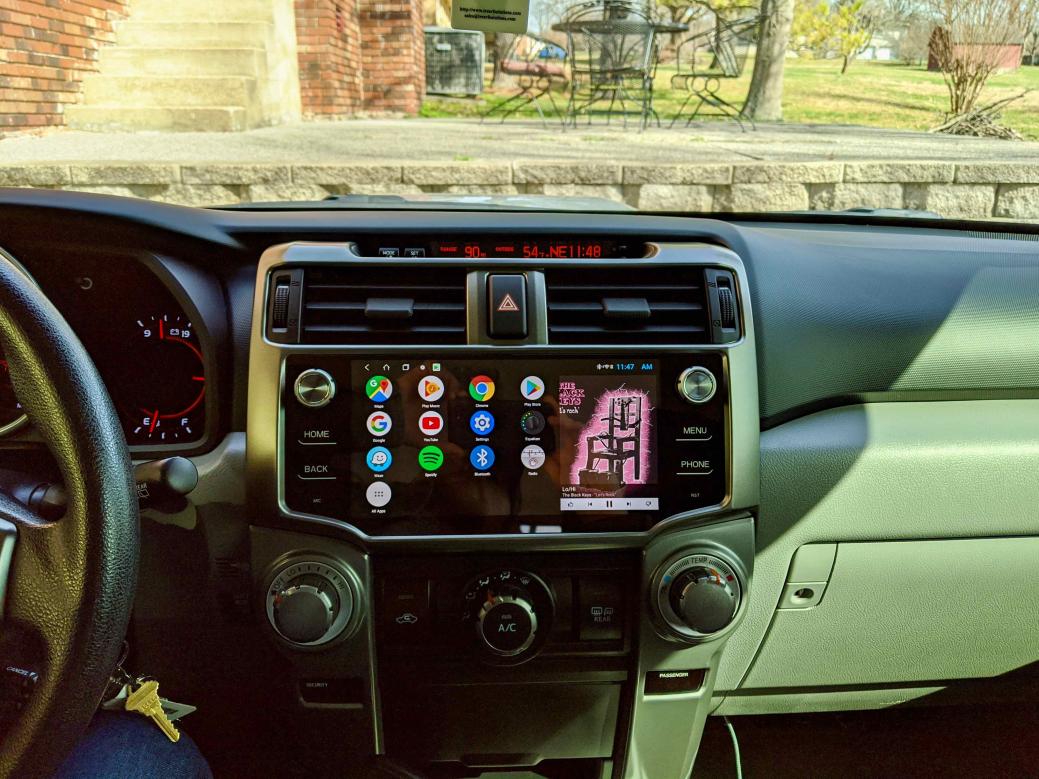
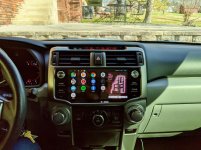
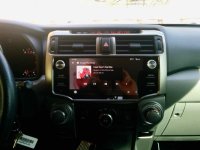
Anyone who has used Android a fair amount will know that everything on the home screen is customizable - It just depends on how much effort you want to put into it. That said, I HATE the stock look of the home screen. My goal was to make the home screen resemble the look of both Carplay and Android Auto. Plus, I wanted to have a large widget on the home screen to display the music being played. So I used a custom launcher called Lightning Launcher. Lightning launcher enables the icons to be scaled up so they are larger, which is a big plus when trying to select an app when driving. All in all, customizing the home screen to get the look I wanted took about 45 minutes, but I love the results! See my pics below.
Android Auto: To get this to work you have to use the white adapter that I purchased (I think you can also purchase it elsewhere online). Connect the adapter to your usb adapter (in the glovebox in my case). From the Google Play store, install the Android Auto app on both the T9 head unit and your Android phone. Next, download the AutoKit app onto your T9 head unit from this link:
http://121.40.123.198:8080
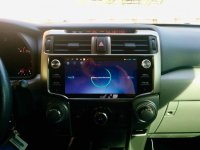
Then, install the AutoKit app (from the same link) onto your Android phone. Open the AutoKit app on your T9 head unit. Plug your phone into the white CarPlay/Android Auto adapter. The head unit and your phone will make a connection You will probably have to accept some obligatory android agreements. Android Auto should just start working.
The AutoKit app making a connection to the Android phone:

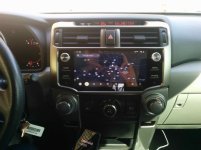
Google maps in Android Auto which also servers as your homescreen:

Google play music:

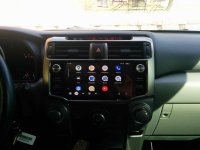
Android auto app drawer:

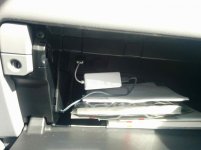
The white Carplay/Android Auto adapter plugged into my factory usb adapter:

Final thoughts, Android auto is the best at the simple stuff like navigation and listening to music while driving. Other than that, it's pretty simplistic and doesn't allow many apps at this point. I find I use the head unit homescreen and apps about 50% of the time. I don't regret the purchase or the time spent getting it set up. Overall, it looks badass - the silver plastic enclosure matches my interior perfectly as well as retaining the OEM look and feel. I haven't experienced any weird issues at this point. Great purchase. Feel free to ask me any questions.
My TE came with the factory nav and non-JBL. I purchased the T9 head unit for the 2010-13 models with wired carplay option from this link:
Not suitable without touch screen!!!Free Shipping 9" Android 8.1 T9 4+64G Head Unit for Toyota 4Runner 2010-2013
It took about three weeks for it to arrive from China...
Also, I own an Android phone (pixel) and wanted to use Android Auto, so I can't comment on Apple Carplay compatibility. Included with what I purchased was a white phone adapter that I plugged into my stock usb adapter in my glovebox which your phone plugs in to. Unfortunately on the 2012 model the center console only has an aux port. I'll modify that later...
Installation of the T9 was a chore and took a full afternoon to get everything the way I wanted. The process was exactly as seen on youtube so I don't think it's necessary to go into it. I was able to get everything working including navigation, radio, wifi, bluetooth, usb connectivity to the stock adapter, steering wheel controls, on-screen climate control, on-screen doors open/closed notification, and the backup camera. The backup camera with the T9 is improved 100% in how it appears on screen. I didn't use the optional sim card connector to get an internet connection - I use my phone's hotspot and it works perfectly. Also to note, I'm not getting any of the interference noise that others have reported. The sound overall is an improvement using the eq app.
Anyone who has used Android a fair amount will know that everything on the home screen is customizable - It just depends on how much effort you want to put into it. That said, I HATE the stock look of the home screen. My goal was to make the home screen resemble the look of both Carplay and Android Auto. Plus, I wanted to have a large widget on the home screen to display the music being played. So I used a custom launcher called Lightning Launcher. Lightning launcher enables the icons to be scaled up so they are larger, which is a big plus when trying to select an app when driving. All in all, customizing the home screen to get the look I wanted took about 45 minutes, but I love the results! See my pics below.
Android Auto: To get this to work you have to use the white adapter that I purchased (I think you can also purchase it elsewhere online). Connect the adapter to your usb adapter (in the glovebox in my case). From the Google Play store, install the Android Auto app on both the T9 head unit and your Android phone. Next, download the AutoKit app onto your T9 head unit from this link:
http://121.40.123.198:8080
Then, install the AutoKit app (from the same link) onto your Android phone. Open the AutoKit app on your T9 head unit. Plug your phone into the white CarPlay/Android Auto adapter. The head unit and your phone will make a connection You will probably have to accept some obligatory android agreements. Android Auto should just start working.
The AutoKit app making a connection to the Android phone:
Google maps in Android Auto which also servers as your homescreen:
Google play music:
Android auto app drawer:
The white Carplay/Android Auto adapter plugged into my factory usb adapter:
Final thoughts, Android auto is the best at the simple stuff like navigation and listening to music while driving. Other than that, it's pretty simplistic and doesn't allow many apps at this point. I find I use the head unit homescreen and apps about 50% of the time. I don't regret the purchase or the time spent getting it set up. Overall, it looks badass - the silver plastic enclosure matches my interior perfectly as well as retaining the OEM look and feel. I haven't experienced any weird issues at this point. Great purchase. Feel free to ask me any questions.
Attachments
-
 4Runner Head Unit - 1 of 8.jpg135.8 KB · Views: 8,625
 -
 4Runner Head Unit - 2 of 8.jpg137 KB · Views: 7,575
 -
 4Runner Head Unit - 3 of 8.jpg137.3 KB · Views: 7,683
 -
 4Runner Head Unit - 4 of 8.jpg128.6 KB · Views: 7,428
 -
 4Runner Head Unit - 5 of 8.jpg128.3 KB · Views: 7,487
 -
 4Runner Head Unit - 6 of 8.jpg126.8 KB · Views: 7,184
 -
 4Runner Head Unit - 7 of 8.jpg124.8 KB · Views: 7,262
 -
 4Runner Head Unit - 8 of 8.jpg119.5 KB · Views: 7,176
Last edited:


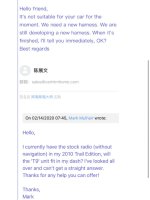
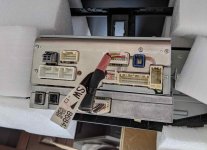
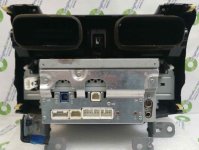



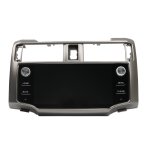


 . Of course I realized this after I Uninstalled and connected all the vents to the t9. Anyone got an extra harness!? Haha