2014 Calendar pic request

Usually the pictures will need to be at least 1280x1024 resolution. If I was making the calendar, I'd prefer even larger, like 1600x1200.


Several of you guys have posted ones that are too small. Great pics, but if the size isn't there....he won't be able to use it.
 
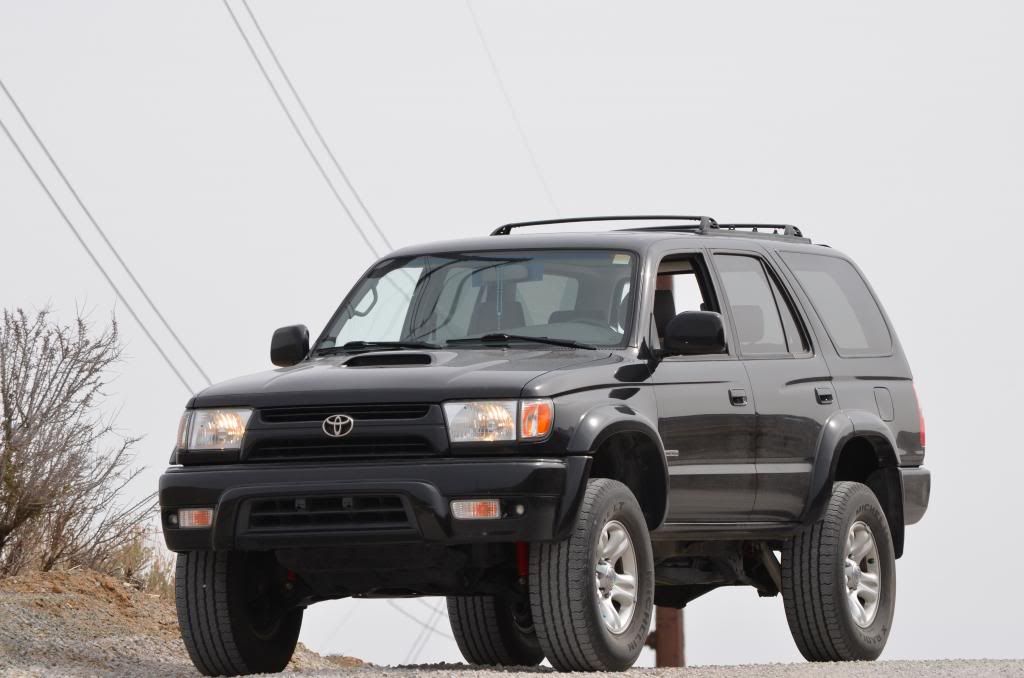
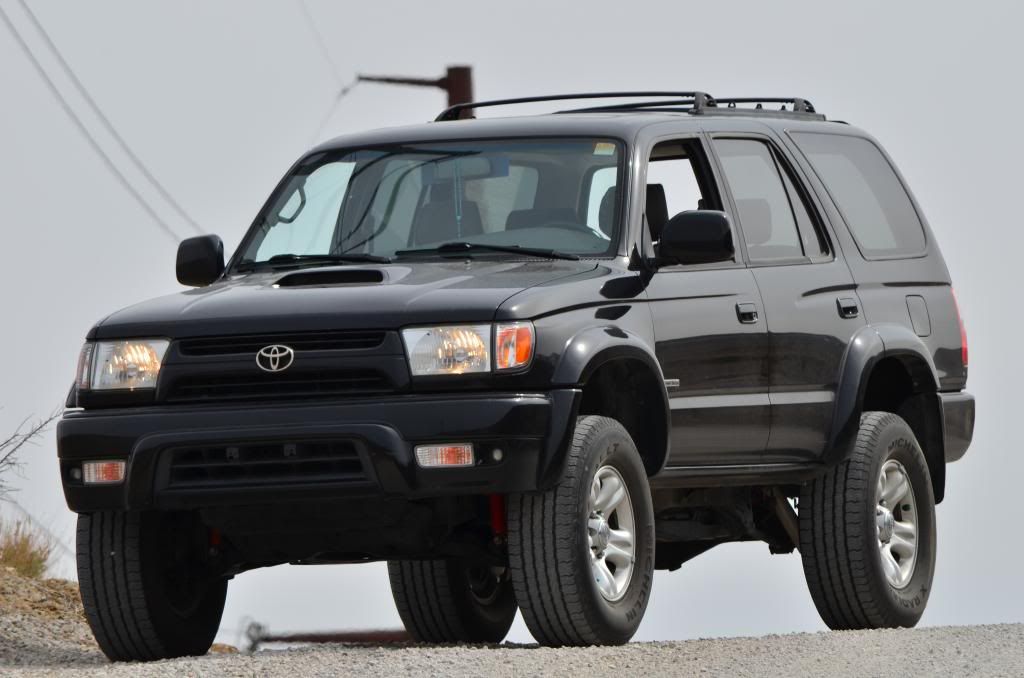
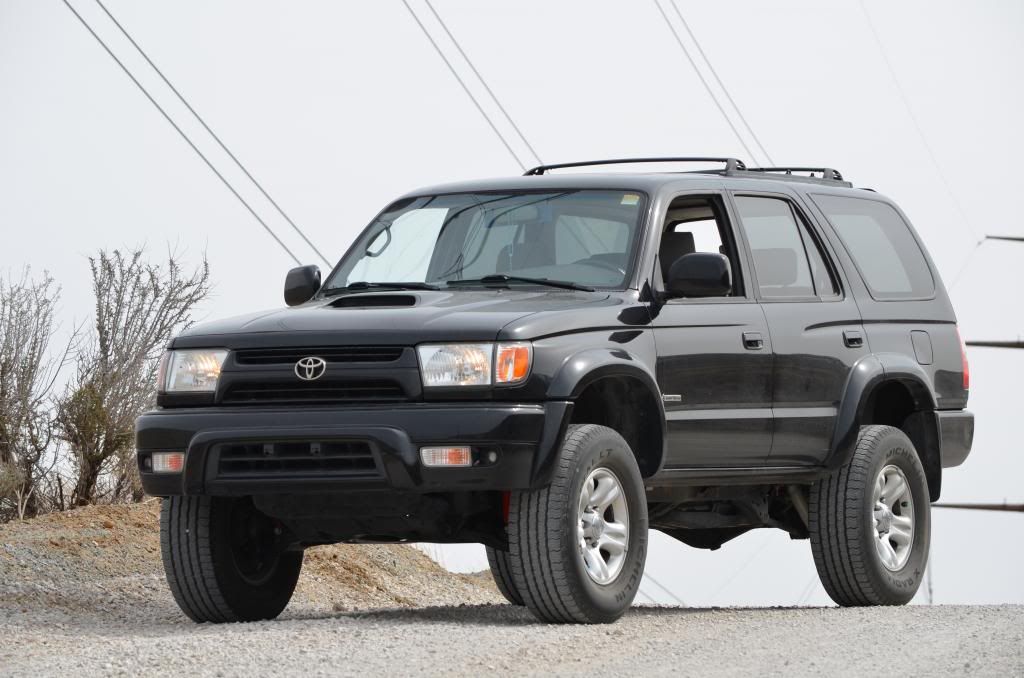
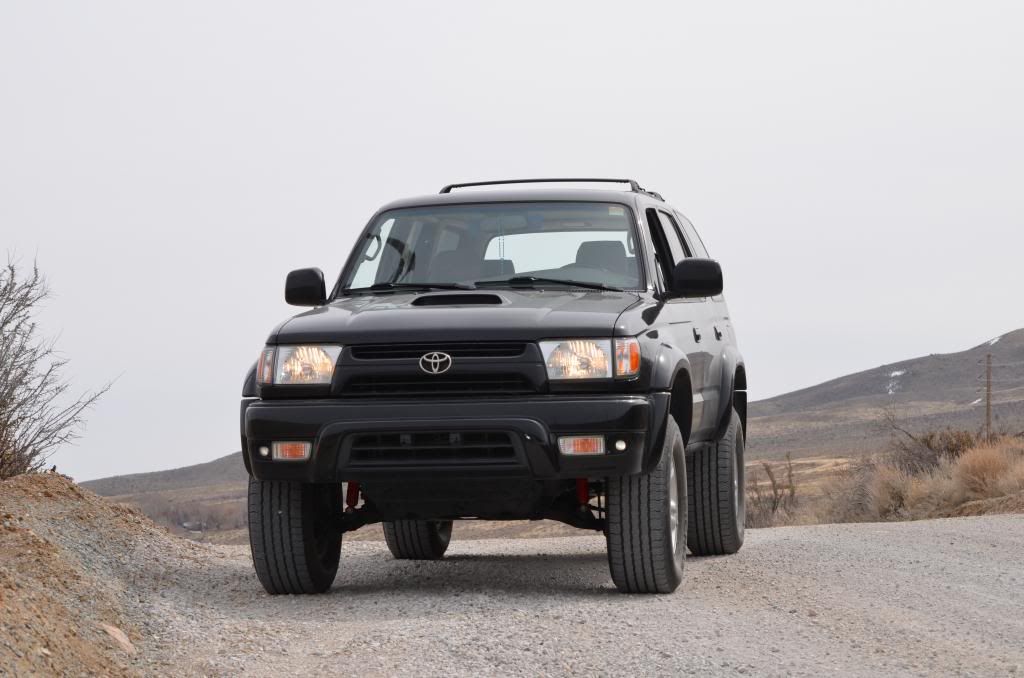
This one is not me or my truck. I took it on a run through the Mark Twain National Forest last month. Really brushy but a great time.

DSC_9745-2.JPG
 
Making pics larger that weren't taken in a decent res will make them horrible if you blow them up. I don't want to be judge and jury on what pics go where. What my thought was is to build a format on a site like Blurb (that's who prints my portfolios) where people can go to that site and purchase their own at will. What I'd like to find is a site where I can build a template that's customizable for everyone to be able to access it and swap out pics if they'd like. Vistaprint and Shutterfly seem to be the best starting points. I haven't had time to get on this yet, but I will. At worst, I know I can do a full calendar layout and provide a link that everyone can go to and purchase, but it would not be customizable. Either way, I have to get ground work done first. Feel free to PM me to e-mail larger files if you'd like. If you do that, they'll be at full res when I pull them into Photoshop.

 
This would be an awesome idea.. In fact it needs to happen yearly. It should be organized though and we should do voting to make it fair.

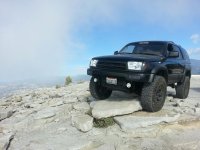
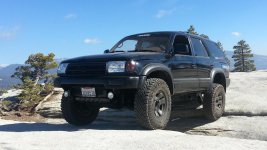
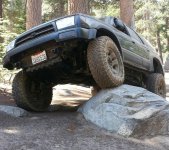
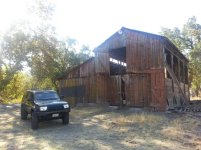
few of my fav's

PicsPlay_1356560067018.jpg~original


20130315_110531_zps2523f7ac.jpg~original


I agree with your sentiment JWaldz. Regarding your sunken Runner pic, do you want to stare at that for a month? My sunken Runner pics will not appear in any calendar that I print for myself.
 
could one of these be worthy enough for May?

:thanks: David
 

Attachments

  • b7.jpg
    b7.jpg
    135.6 KB · Views: 577
  • b141 full.jpg
    b141 full.jpg
    129.5 KB · Views: 712
  • sig shot.jpg
    sig shot.jpg
    139.2 KB · Views: 545
  • wv sunrise.jpg
    wv sunrise.jpg
    137.4 KB · Views: 555
  • wv barn.jpg
    wv barn.jpg
    136.7 KB · Views: 566
  • wv5.jpg
    wv5.jpg
    138.9 KB · Views: 543
  • new avatar.jpg
    new avatar.jpg
    139.1 KB · Views: 541
  • Solo mission Large view.jpg
    Solo mission Large view.jpg
    118.4 KB · Views: 538
Last edited:
All right folks, I'm rockin' on this stuff right now whilst I have some time. I have already PM'd a few folks and will be PMing more of you shortly. I personally would still like a bit more variety. Moderators, is there any way you can spread this around the other gen parts of the forum? I think it'd be nice to have some Tacomas, Cruisers and older Runners in there as well. Looks like I'll be using Vistaprint. It's cheap (7.99 or so per wall calendar). What I'll do is create a generic e-mail account and password and post it here. From there any member can log into the Vistaprint acct. and order themselves a calendar and also swap out pics if they'd like. Sounds good so far -
 
I dud its. DISCLAIMER: Please don't yell at me for the pics I chose to use. I chose what I chose for photographic aspects, originality and subjective beauty to my eye. I'm obviously going to have a bias to pics that have personal memories. If anyone has menial photo editing software, they can edit the pics on the calendar as they see fit. I will provide all pertinent photo specs below. I hope ya'll like it. I really like the cover, personally. I ordered 4 with the premium gloss stock and it was $35. BE CAREFUL with the ordering process on this site. Pay attention to their extras that are automatically checked for you. I retain no liability for operator error or Vistaprint marketing tactics. I hope this all works out and I didn't open a can of worms trying to do something good.

http://www.vistaprint.com/
Log in: [email protected]
password: 2014calendar

On the main page you'll see the "my portfolio". The calendar will be right there. It's the one with the 4Runner (ha-ha). Click on the thumbnail and you'll see the preview of the entire calendar. Click on which ever one you'd like to edit. Simply drag the pic off the specified month onto a blank spot on the screen. Go to the left where it says "Get Pictures". Upload your preferred photo and drag it onto the month. The program will warn you if the picture is low quality. If you're having trouble with the editing just click "scale to fit" option rather than crop. It's a little finicky, but not too difficult. Well, let's see how this works out. Check it out ya'll and give me some feedback-
Here are optimum photo bleed requirements:
Width-1666 pixels
Height- 1250 pixels
Res- 150-180 (I used 180)
 
yeah i just used vistaprint for our wedding invitations, and i can second the "upsale" at the checkout stage, they will try and sell you more and more an if your not careful you will buy more at a higher price...
 
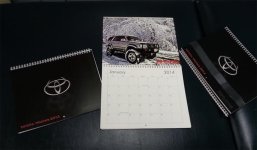
Calendars arrived today. They look great. Thought the Vistaprint folks did a good job.
 

Attachments

  • 2014calendar.jpg
    2014calendar.jpg
    39.3 KB · Views: 286

Members online

No members online now.

Forum statistics

Threads
278,310
Messages
3,554,079
Members
248,016
Latest member
Advally Service

Trending content

Back
Top